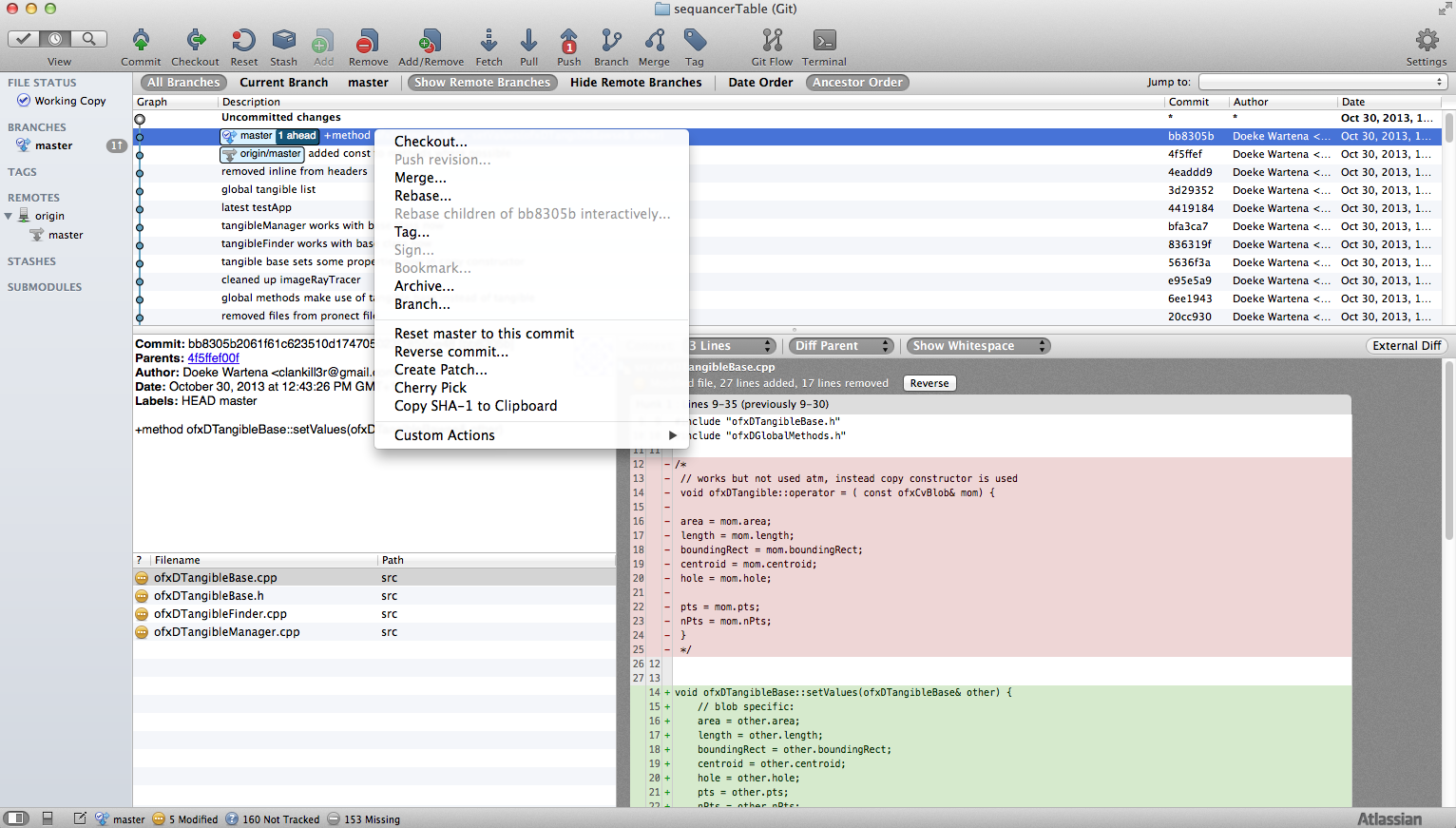
edit commit comments in sourcetree after pressing commit
33,364
Solution 1
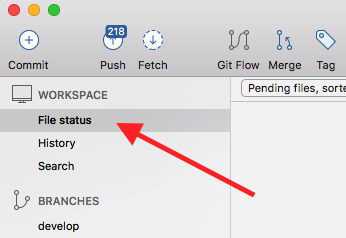
Just want to give more clarity to this old question with these simple pictures, although this is for the latest commit only (updated for SourceTree 2.5.2).
- Under 'Workspace', select 'File Status':
- Click the commit message box to expand it, then you will find 'Amend last commit' by clicking 'Commit options' at the bottom right:

Solution 2
You can do this before pushing. There is a checkbox at the bottom left of the Commit dialog which says "Amend latest commit", when you check it the previous message will appear in the box and you can edit it, then hit Commit to modify it.

Author by
clankill3r
Updated on July 08, 2022Comments
-
clankill3r 11 months
I added only 1 comment in the commit change. I didn't push yet. How can i add more comments to it? I'm a bit afraid to do things wrong.