How to get tree of folders in CMD?
47,318
Solution 1
Leave out the "/F" switch, since it's what causes Files to be included.
From tree /?:
Graphically displays the folder structure of a drive or path.
TREE [drive:][path] [/F] [/A]
   /F   Display the names of the files in each folder.
   /A   Use ASCII instead of extended characters.
Solution 2
to output to txt file use command: (you will find in on drive C, as specified below)
tree /a > "C:\_TREE-Output.txt"
Solution 3
For Mac/Ubuntu you can do...
tree -d directories only.
You might have to install it beforehand.
// Mac
brew install tree
// Ubuntu
sudo apt-get install tree
Related videos on Youtube
 07 : 21
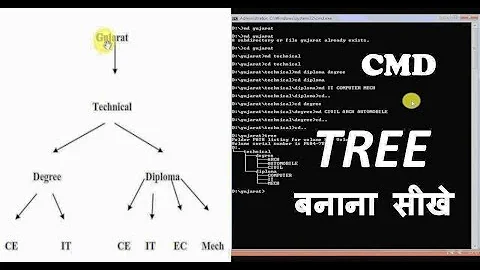
Tree Structure Directory and Files Create in MS DOS | CMD | in Hindi |
 04 : 32
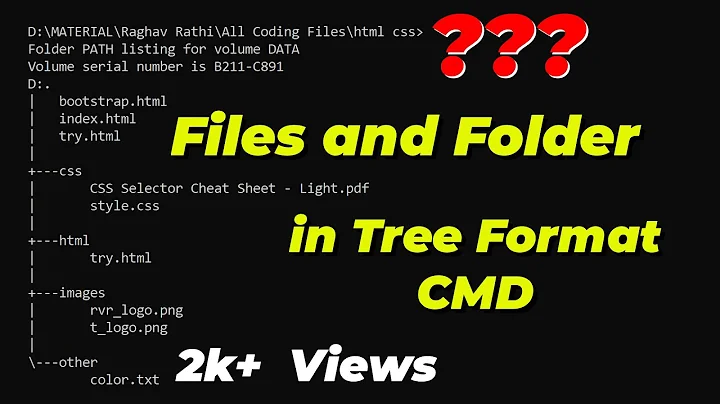
How to make a tree structure in command prompt | Cool Command Prompt Tricks
 03 : 25
How to export files and folder tree structure to a text file using CMD command
 00 : 46
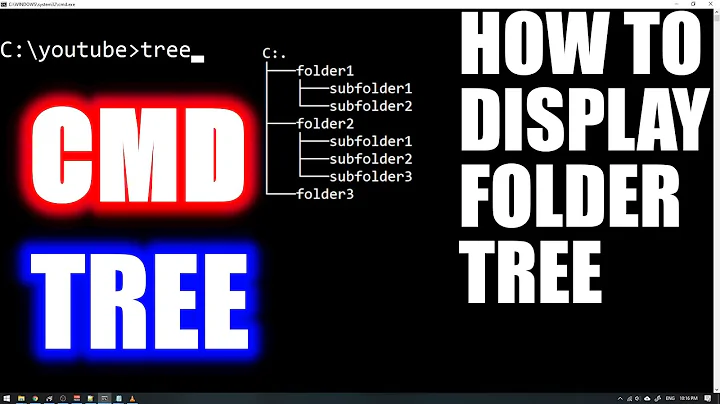
HOW TO SHOW FOLDER TREE IN CMD
 01 : 27
How to get tree of folders in CMD? (2 Solutions!!)

Author by
KMC
Updated on September 18, 2022Comments
-
KMC 12 months
In Windows CMD, I use
tree c: /fto get a tree of all directories resided in C:. But now I only want to tree out the only sub-directory folders (not files). How to I exclude files in tree command? -
 Lamar B over 11 yearsbeat me to it...
 -
 Pravin W almost 8 years@Ƭᴇcʜιᴇ007 Is there a way we can print this output to text or other file
 -
 DavidPostill over 7 yearsThis duplicates another answer and adds no new content. Please don't post an answer unless you actually have something new to contribute.
 -
 sokkyoku about 7 yearsIt does provide more information though, there's the "store in file" with
>part that the other answer doesn't have. -
 wysiwyg almost 3 yearsQuestion is for Windows.