IntelliJ idea stucked on "loading project" screen
Solution 1
[from comments]
Warning: While it works, if you invalidate the cache, it destroys all histories of all projects
So apparently, solution was simple but difficult to find.Here is how it worked :
- close all projects in intellij, don't close IDE, just all projects.
- delete the
.idea/folder from the project which was getting stucked. - open the same project in intellij
- do
File->invalidate caches and restart - done
Solution 2
Delete the .idea folder from project worked for me.
Solution 3
I think it's because of Log4JPlugin see - problem here also
in my case : delete this(Log4JPlugin) plugin and restart it -> it's worked for me
Solution 4
I had red icon in the corner. Clicking it showed information of some problem with Makefile support. I disable the plugin and all opened as usual.
==> Glady I didn't delete the .idea folder as suggested (I just renamed it, and renamted back after solving the problem). Delete it will also cause losing deployment server info and probably more other important date.
Solution 5
IntelliJ keeps its data in the .idea folder. Deleting .idea folder from the project repo and re-opening the project should fix this issue (worked for me).
Related videos on Youtube
 03 : 27
 07 : 26

NoobEditor
Apparently, I prefer to keep an air of mystery about me..... bug in at -> so [dot] noobeditor [at] gmail [dot] com to solve the mystery!
Updated on September 12, 2021Comments
-
NoobEditor about 2 years
This is a Monday morning nightmare on top of existing bugs I have!!
I have couple of projects which i open simultaneously using intellj. One of the project was not showing all directory structures inside it so i took some advice and deleted the
.ideafolder. Now all hell broke loose on me.I am stucked here from the dawn of mankind now
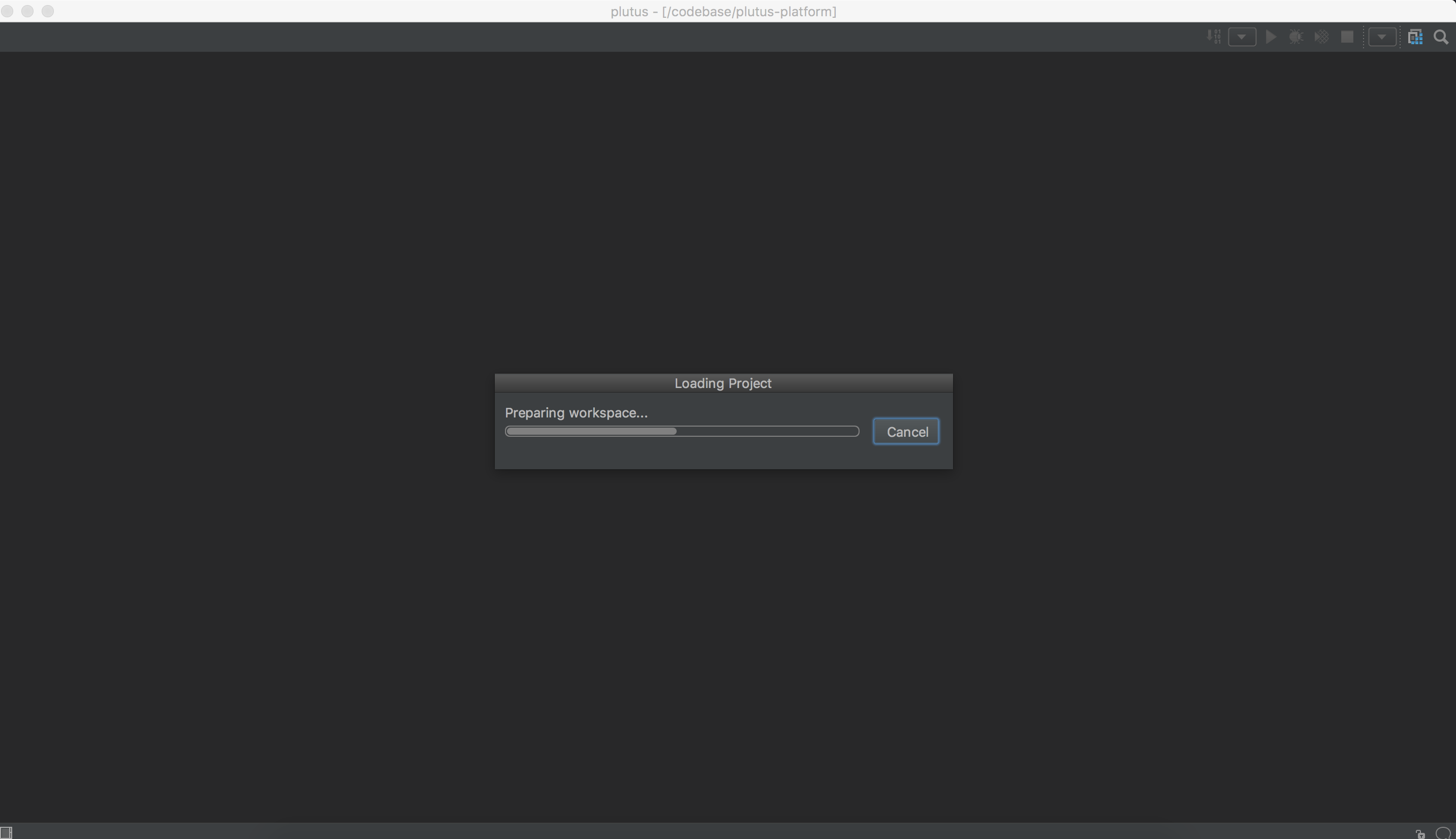
Intellij logs
2017-12-04 09:46:59,444 [   9036]   INFO -                git4idea.GitVcs - Git version: 2.14.3.0
2017-12-04 09:46:59,533 [   9125]   INFO - pl.projectlevelman.NewMappings - VCS Root: [Git] - [/codebase/plutus]
2017-12-04 09:47:01,309 [  10901]   INFO - tor.impl.FileEditorManagerImpl - Project opening took 6353 ms
2017-12-04 09:47:02,913 [  12505]   INFO - .diagnostic.PerformanceWatcher - Indexable file iteration took 4772ms; general responsiveness: ok; EDT responsiveness: 2/5 sluggish, 1/5 very slow
2017-12-04 09:47:05,252 [  14844]   INFO - ellij.project.impl.ProjectImpl - 18 project components initialized in 52 ms
# ----- ^^ all good till here, below is when i start open new project
2017-12-04 09:47:26,455 [  36047]   INFO - og4jmonitor.Log4JWindowManager - creating new LoggingReceiver on port:=4454
2017-12-04 09:47:26,496 [  36088]   INFO - ellij.project.impl.ProjectImpl - 153 project components initialized in 165 ms
2017-12-04 09:47:26,497 [  36089]   INFO - le.impl.ModuleManagerComponent - 0 module(s) loaded in 0 ms
2017-12-04 09:47:26,645 [  36237]   INFO - CompilerBackwardReferenceIndex - backward reference index version differ due to: class java.io.FileNotFoundException
Two errors i see on my screen are :
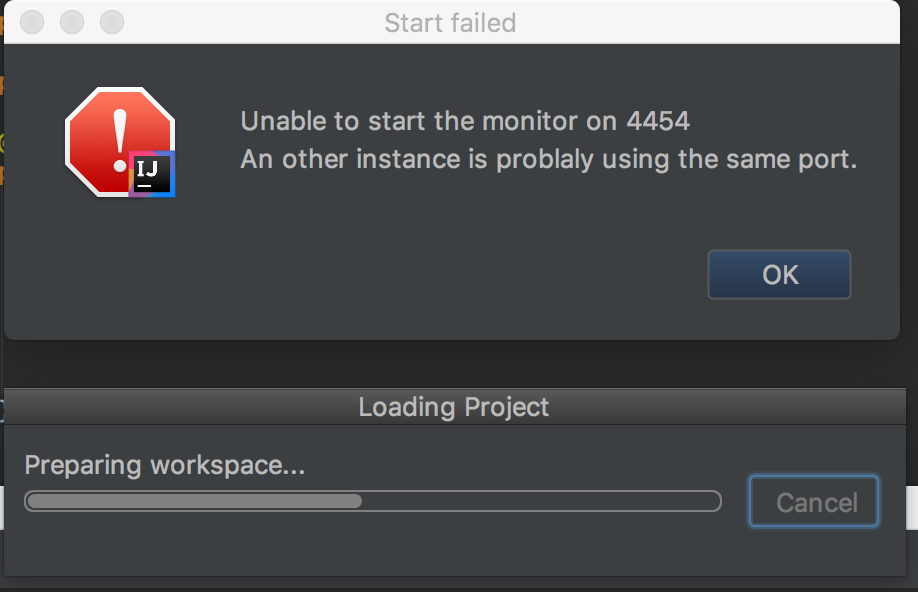
Intellij version

Any help would draw your chances of not having monday morning blues and nightmare like me! :)
Thank you!-
 Meodisable Log4JPlugin?
-
-
 magallanes about 5 yearsWarning: While it works, if you invalidate the cache, it destroys all histories of all projects.
 -
NoobEditor about 5 yearsits a known hazard! :)
-
 siOnzee about 4 yearsHelped too but have to make all settings again.
 -
Notoc over 3 yearsClosing all open projects worked for me! Then I was able to load components for the newly created project.
-
 Dut A. about 2 yearsWhat's
PhpStormdoing here? -
 bdn about 2 yearsIntelliJ idea and PhpStorm in general have the same code, so some problems like described, fixed in the same way. I had an issue with PhpStorm, so I described it here. I'm sure that this solution will help.