Java Runtime only recognizes class file versions up to 52.0 even when java 11 is installed
21,273
The problem is not tomcat but the JVM which runs tomcat.
I don't know how you start tomcat, but you should start it with a JDK 11.
If you use eclipse you should check the Server Runtime.
For other IDEs or starting it from OS directly (as an application or a service or whatever), you should check the JAVA_HOME and the PATH.
Related videos on Youtube
 07 : 19
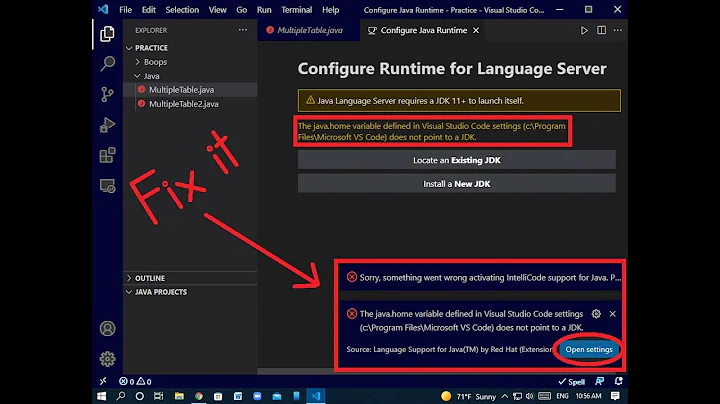
How to fix the configuration of runtime for language server in java || 100% works ||
 03 : 03
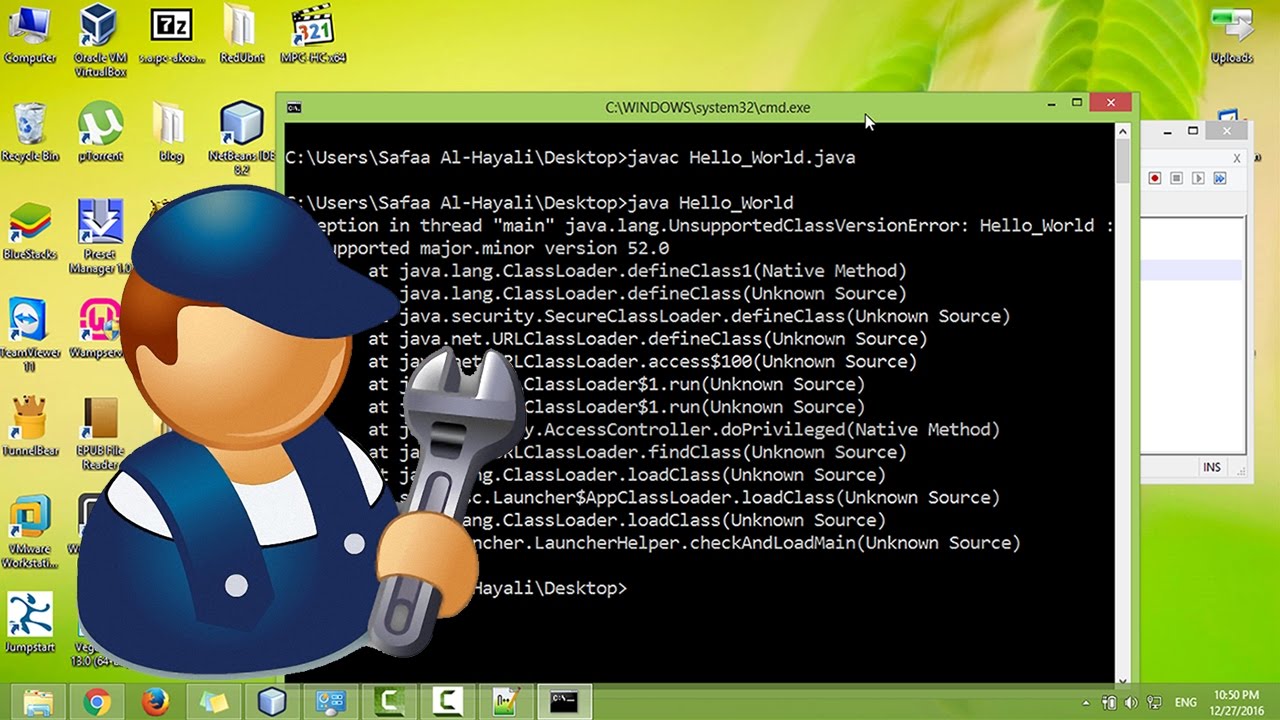
java : how to fix the error : java.lang.UnsupportedClassVersionError
 06 : 08
Fix: "Compiled by a more recent version" Java error
 03 : 12
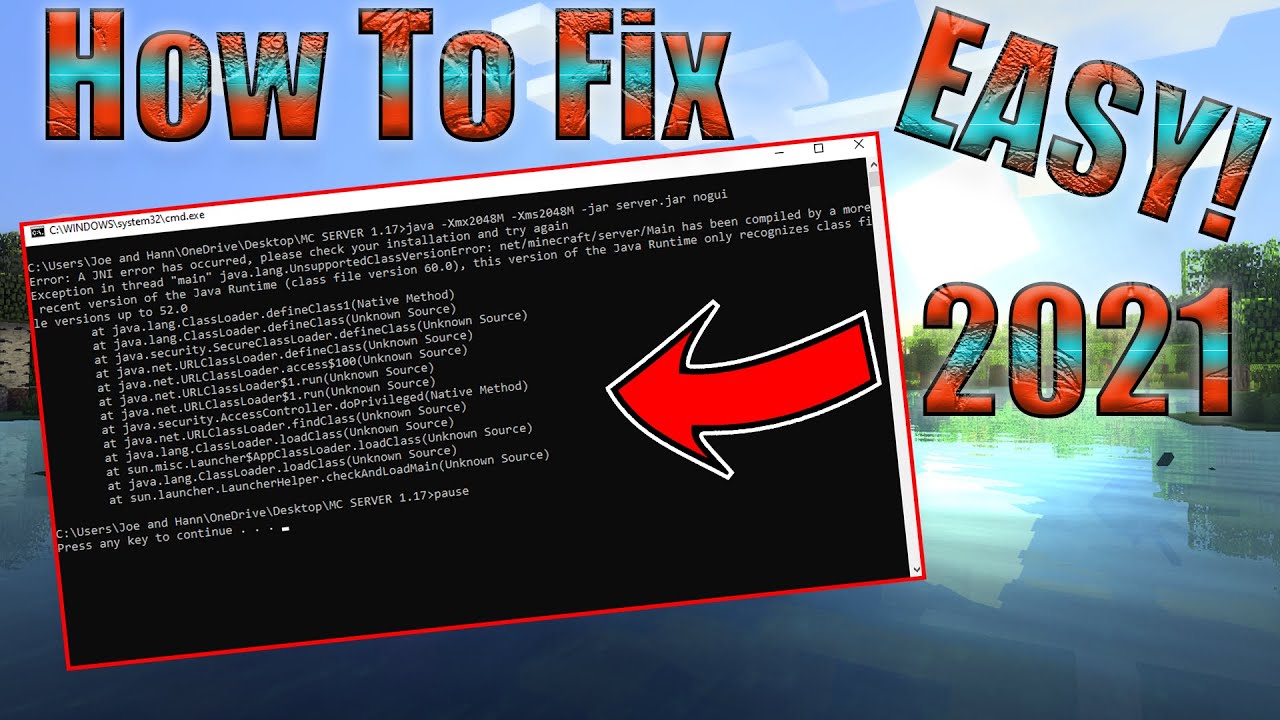
How To Fix Minecraft | Java Runtime Recognizes Class File Version JIN Error | Simple FIX!!!
 08 : 13
TIP: Change Java compiler version for Eclipse project
 02 : 42
How to fix java Unsupported major minor version 51 0 Exception

Author by
Dennis Adler
Updated on July 09, 2022Comments
-
Dennis Adler 6 months
I can't run my java servelet on my tomcat 9.0.12 server because it can't handle the class version. I get following error:
Error: MyClass been compiled by a more recent version of the Java Runtime (class file version 55.0), this version of the Java Runtime only recognizes class file versions up to 52.0 (unable to load classI compiled my code with java 11:
<plugin>
                <artifactId>maven-compiler-plugin</artifactId>
                <version>3.8.0</version>
                <configuration>
                    <source>11</source>
                    <target>11</target>
                </configuration>
            </plugin>
when I type in : java -version in my terminal I get:
java version "11.0.2" 2019-01-15 LTS
Java(TM) SE Runtime Environment 18.9 (build 11.0.2+9-LTS)
Java HotSpot(TM) 64-Bit Server VM 18.9 (build 11.0.2+9-LTS, mixed mode)
and for javac -version
javac 11.0.2Why can't the Runtime handle v55.0? java 11 == v55.0?!
-
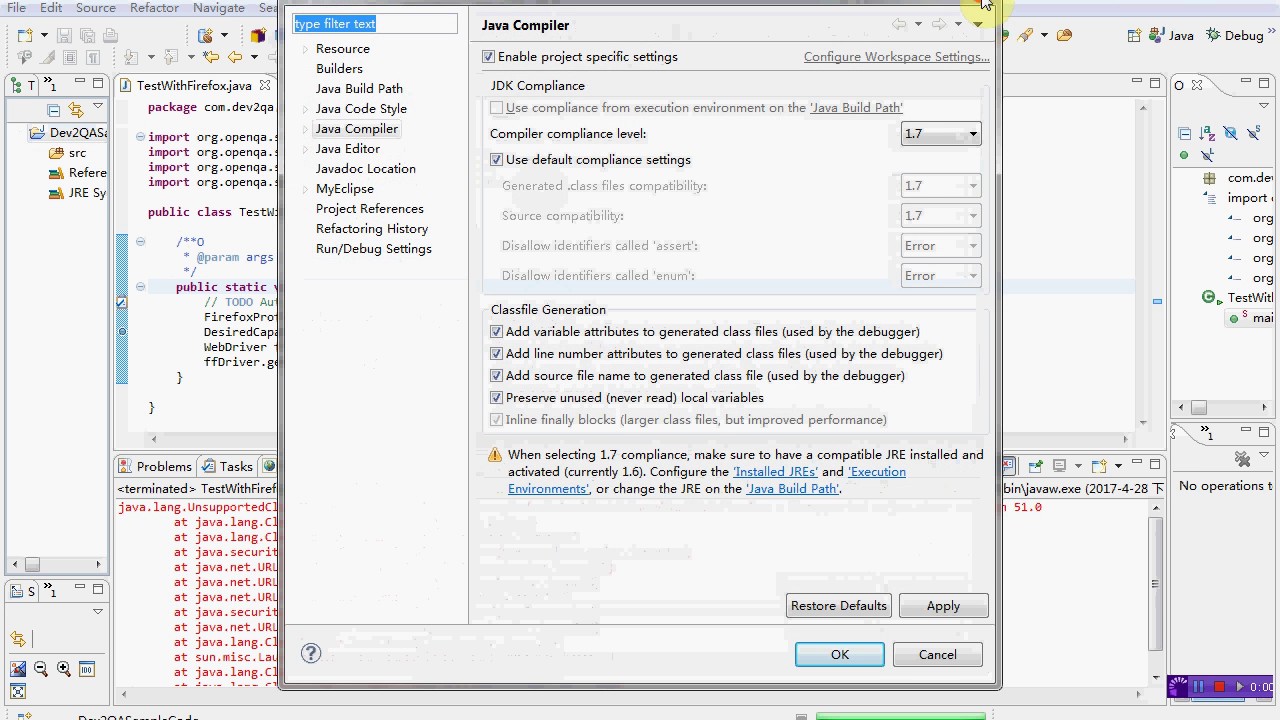
 JensW over 3 yearsVersion 52.00 stands for Java 8 I think, so somewhere you're using a JRE 1.8 I think. Check if project menu > properties > java compiler > Compiler and compliance level show 1.11 or 1.8
 -
 Gimby over 3 yearsThe simplest answer is that Tomcat is running on Java 8.
 -
Dennis Adler over 3 yearsyes you're right tomcat was still using java1.8. I changed my JAVA_HOME to the new version Thank you
-