How to set C++ compiler flags in Visual Studio(2015
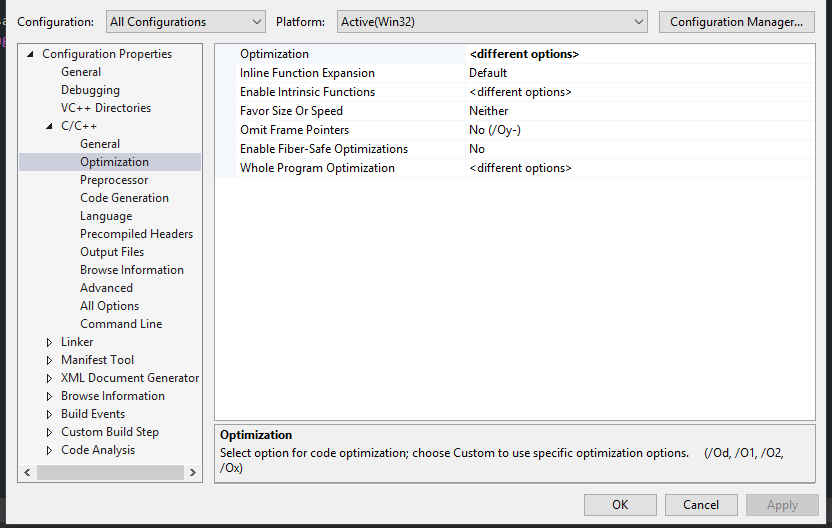
You can add options by selecting the Project properties -> Config Properties -> C/C++ -> Command Line, and then add them to the bottom section "Additional Options".

Aindriú
Front End developer with an interest in all things .NET & React.
Updated on November 01, 2020Comments
-
Aindriú over 2 years
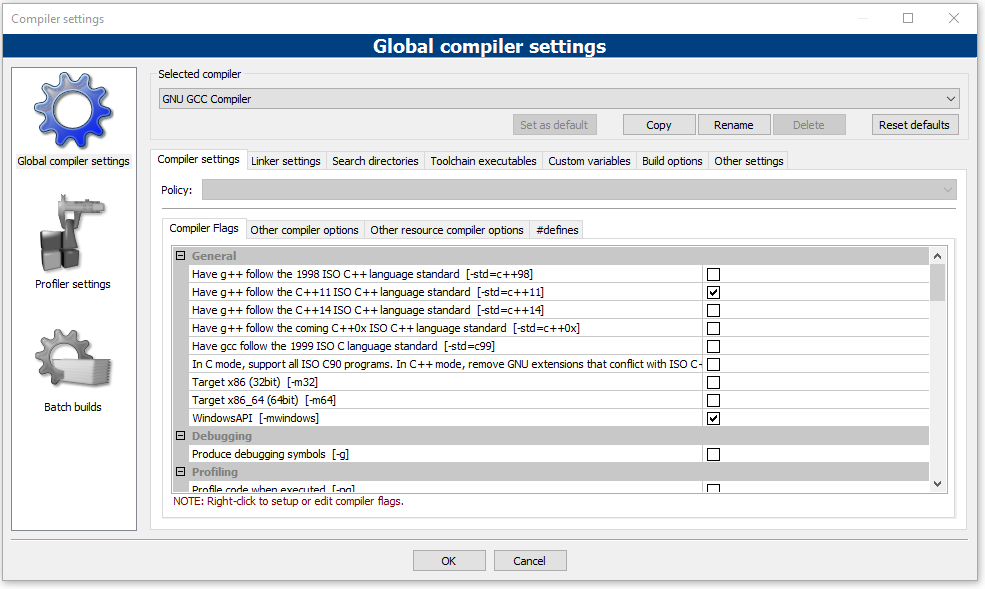
I want to set some compiler flags in visual studio 2015 for a C++ program but I can't see how. Using another IDE (CodeBlocks) I can select the following with a tick box:
Have g++ follow the C++11 ISO C++ language standard
Also, I can create my own new flag (with name, Compiler flags and linker flags set )
How can I modify and create these two flags on VS2015 ?
I've checked https://msdn.microsoft.com/en-us/library/hhzbb5c8.aspx?f=255&MSPPError=-2147217396 but no luck.
**here is a picture of codeblocks ide and compiler settings
**edit here is VS2015 configuration settings
-
Aindriú over 6 yearsI see that but I don't have compiler option under configuration properties.
-
 Rakete1111 over 6 years@Aindriu are you really sure you selected the project, and not a file? Also, there is no way to change the c++ standard in visual studio 2015, you'll have to use 2017
 -
 army007 over 6 yearsThere is a Command Line option page under Configuration Properties > C/C++. You can specify any compiler option. To specify C++ language standard you can use /std flag.
 -
Aindriú over 6 yearsThanks but I didn't get it to work yet. I think I need to add -mwindows and -std=c++11 flags but no changes - program is still running like before
-
 Admin over 6 years@Aindriu Those are GCC options. Visual Studio does not use GCC.
 -
 Richard Critten over 6 years@Aindriu different compilers use different command-line options; for
-std=c++11see/std:c++14from: msdn.microsoft.com/en-us/library/mt490614.aspx-mwindowsis not required with MSVC.